 comparison
Best Socratic Alternative for Parents: 2026 Guide
Table of Contents
- Why Parents Need a Socratic Alternative in 2026
- What Happened to the Socratic App?
- Top Homework Help Apps for Kids: A Parent's Comparison
- Homework Apps for Elementary Students: What to Look For
- Homework Apps That Explain Answers vs. Answer Lookup
- Privacy, Safety, and Parent Oversight
- Choosing the Right AI Homework Helper for Parents
- Conclusion: Finding Your Family's Best Fit
- Frequently Asked Questions
Last Updated: October 8, 2026
Why Parents Need a Socratic Alternative in 2026
Google retired the standalone Socratic app and folded its homework-question features into Google Lens, leaving many families searching for a workable best socratic alternative for parents. This guide from K5 Homework Aid For Parents compares the realistic options for K-5 families.
A socratic alternative is any homework help tool that guides a student toward understanding instead of handing over a finished answer, named after the Socratic method of asking guiding questions until the learner reasons through the problem themselves.
What Happened to the Socratic App?
Socratic no longer exists as a standalone app. Google retired it and moved its general homework-question features into Google Lens.
The practical effect is a change in experience, not a total loss of function. Google Lens can recognize a question from a photo, but it was built as a general visual search tool, not a parent-focused tutoring product: it does not detect your child's grade level or explain a method the way a teacher would.
Top Homework Help Apps for Kids: A Parent's Comparison
The best Socratic alternative for parents depends on what your child needs most. For K-5 families who want grade-appropriate explanations across subjects, K5 Homework Aid For Parents is our top pick.

Quick Comparison Table
| App | Best For | Subject Coverage | Free Option | Standout Feature |
|---|---|---|---|---|
| K5 Homework Aid For Parents | K-5 families, all subjects | K-5 subjects | Yes | Automatic grade detection from a photo |
| Khanmigo | Guided reasoning practice | Not fully verified | No | Socratic questioning style |
| Mathway | Math-only homework | Math | No | Focused math support |
| Google Lens | General homework questions | Broad, general | No | Photo recognition via Google |
K5 Homework Aid For Parents
For most K-5 families, this is the closest thing to a true replacement for what Socratic used to offer: snap a photo of the assignment, and the app detects the grade level automatically, with no manual setup.
Explanations match the methods teachers use in class, addressing the most common parent complaint: "the way I learned this is not the way my child is being taught." It also helps children understand the why behind the answer instead of copying a result.
- Automatic grade detection from photo analysis
- Age-appropriate explanations matching teacher methods
- Text-to-speech accessibility for auditory learners and early readers
The honest limitation: it is built for K-5, so it is not the tool for a middle schooler tackling algebra.
Khanmigo
Khan Academy's AI tutor takes the Socratic idea literally. Rather than giving answers, Khanmigo asks guiding questions that push a student to reason through a problem step by step.
That works well for a child willing to engage and think, but less well for a frustrated seven-year-old at 8pm who just wants to understand the worksheet and go to bed.
Mathway
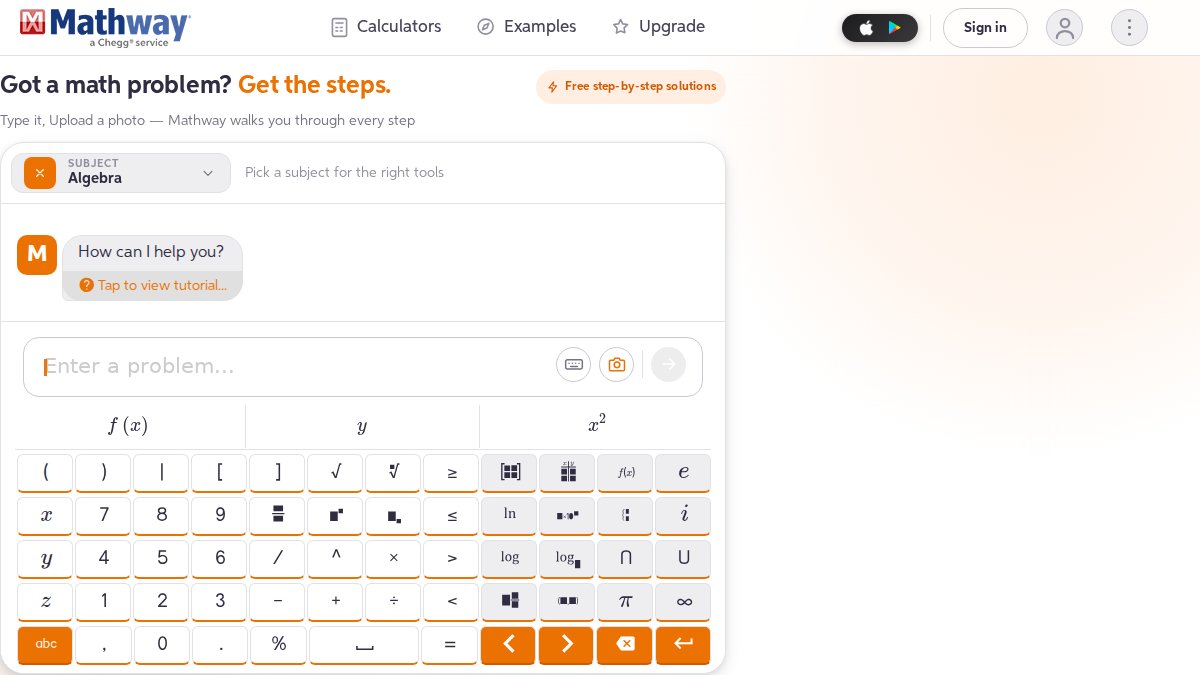
If math is the only pain point in your house, Mathway is a reasonable specialist built for math homework and nothing else. The trade-off: it does not help with reading comprehension or writing, so families with a broad K-5 workload will still need a second tool. Verify specific features, pricing, and platform availability directly.
Google Lens
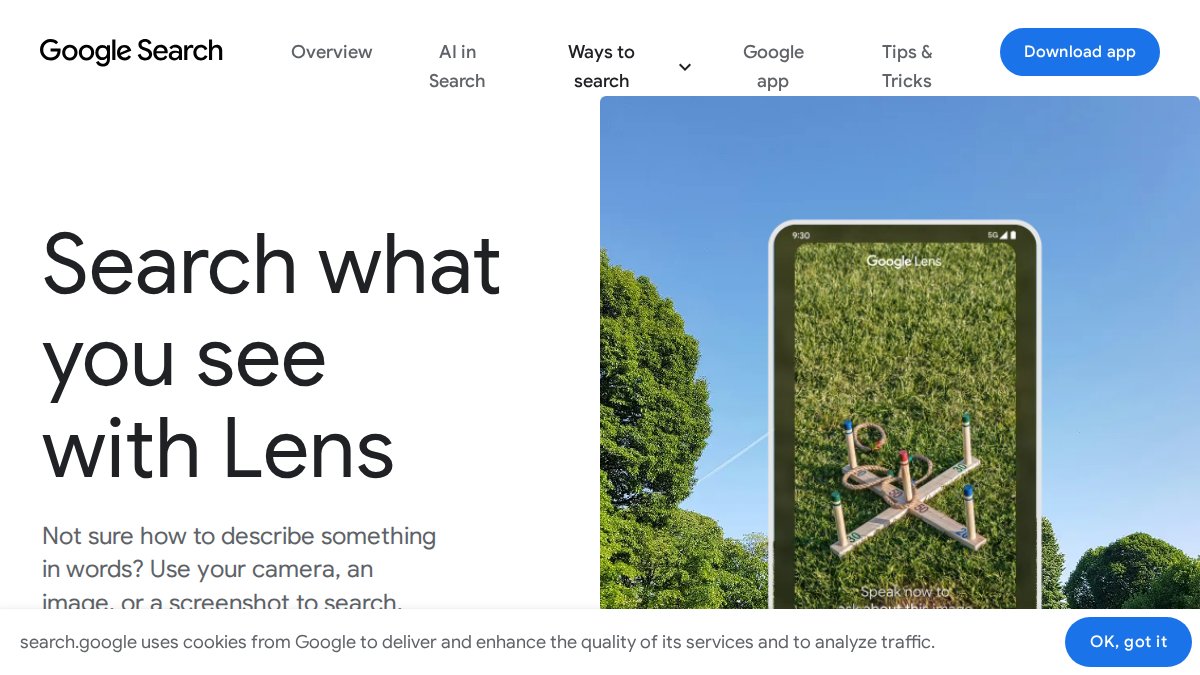
Google Lens is where Socratic's general homework-question function ended up, making it the most direct successor by lineage: point your camera at a question, and Lens recognizes it and returns information. What it is not is a tutoring platform: no grade detection, no teacher-method explanations, no parent oversight tools. It is fine for quick lookups, but a gap for daily academic support.
Homework Apps for Elementary Students: What to Look For
Elementary homework apps should match your child's grade level, explain the method rather than just the answer, and offer accessibility features for early readers. Those three criteria separate a genuine study tool from a fancy answer machine. But there is a fourth criterion most comparison articles skip: subject fit. Parents rarely replace Socratic because they want "a homework app", they replace it because a specific subject became a nightly battleground.
Match the app to the subject, not just the grade
Here is how the main alternatives map to the subjects K-5 families most often need help with.
Math. This is where most Socratic-alternative searches start, and it is the most crowded category.
Reading and comprehension. This is the subject most math-focused apps ignore entirely.
Writing and grammar. Writing help is the hardest category, because the line between "helping" and "writing it for them" is thin.
The evaluation checklist, with subject fit added
When you evaluate homework apps for elementary students, check these points:
- Grade awareness. Does the app know your child is in second grade, or does it treat every user the same?
- Method over answer. Are explanations written the way a teacher would give them in class?
- Reading support. Does it offer text-to-speech for children who struggle with reading?
A common mistake is choosing a math-only app, then discovering in October that reading comprehension is the real battleground, or buying a broad multi-subject tool when the only recurring problem is fractions. Check subject coverage against your actual week before you subscribe.
Homework Apps That Explain Answers vs. Answer Lookup
Homework apps that explain answers teach the method behind a problem, while answer lookup tools simply supply the result. The difference shows up on the next test, not tonight's worksheet. The question to ask about any AI homework helper for parents is simple: does it show the steps and the reasoning, or just the destination? The practical test: sit with your child for one assignment and watch what the app produces.
Privacy, Safety, and Parent Oversight
Privacy and oversight are the two features parents ask about before anything else, and they should be. You are uploading images of your child's schoolwork, personal data by any reasonable definition. A worksheet photo can contain your child's name, handwriting, school's name, and sometimes a teacher's comments. This section offers a practical way to evaluate any Socratic alternative before your child uses it.
The five questions to ask before you let your child use any homework app
- Does it require an account, and whose account is it? Apps built for K-5 should offer a parent-managed account, not a child-created login. If signup asks for a child's email, birthdate, and school, the product was likely designed for older users.
- What happens to uploaded photos? Look for plain-language answers: Are images stored or processed and discarded? Are they used to train models? Can you delete them, and does deletion remove them from backups? A policy saying "we may use submissions to improve our services" is doing more with your child's work than most parents assume.
- Is there advertising or third-party tracking? Free tiers are often funded by ads or analytics SDKs. For a K-5 audience, look for no behavioral advertising and no third-party trackers in the student-facing experience. If the privacy page does not address ads, treat that as an open question.
- Is there a parent dashboard or activity view? Progress visibility is the difference between a study tool and a black box. You want to see what your child scanned, what explanation they received, and how long they engaged. Without that, you cannot tell whether the app is teaching or just finishing worksheets.
- Does the age rating match your child? An app rated for teens may still function for a second grader, but its content, tone, and data practices were not designed for one. A tool built for K-5 should be designed for K-5.
How the major options differ on oversight
- K5 Homework Aid For Parents is built around a parent-managed model: you control the account, see the scan history, and get explanations written for the K-5 grade band rather than a general audience.
- Khanmigo sits inside Khan Academy's existing parent and teacher account structure, a meaningful oversight advantage if your family already uses Khan Academy. It is paid, so there is no ad-supported free tier, but also no free way to test the oversight experience first.
- Mathway is a math utility rather than a supervised learning environment: no meaningful parent dashboard, and it is designed for a user who already knows what problem they are solving.
The regulatory backdrop, in plain terms
In the United States, two laws shape what a homework app is allowed to do with your child's data. The Children's Online Privacy Protection Act (COPPA) governs what companies can collect from children under 13 and requires verifiable parental consent for many data practices (the FTC). For a plain-language starting point, the Federal Trade Commission's guidance on children's privacy explains what protections apply and how to file a complaint. For independent app-by-app reviews against child-safety criteria, Common Sense Media's privacy evaluations is a useful second opinion.
A 10-minute test you can run tonight
Before committing to any Socratic alternative, create the account yourself, upload one real assignment, then go looking for the data controls. Can you find the delete-my-data option without searching the help center? Can you see your child's activity history? Does the app ask for information it does not need? If any answer is no, you now know what you are trading for the convenience.
Choosing the Right AI Homework Helper for Parents
The right AI homework helper for parents matches your child's grade level, covers your actual subject mix, and shows its reasoning. Use this decision guide:
| If your situation is... | Choose... | Because... |
|---|---|---|
| One child in K-5, mixed subjects | K5 Homework Aid For Parents | Grade detection and multi-subject coverage |
| Child who reasons well with prompting | Khanmigo | Socratic questioning style |
| Math is the only struggle | Mathway | Dedicated math focus |
| Occasional quick lookups | Google Lens | Fast photo recognition |
K5 Homework Aid For Parents offers a free plan, so you can test it on a real assignment before deciding whether to pay.
The first week is the real evaluation: run one week of actual homework through the app and watch whether your child's understanding improves, not just their completion speed.
Conclusion: Finding Your Family's Best Fit
The best socratic alternative for parents is the one your child can actually learn from, and for most K-5 families that means an app that detects grade level, explains the method, and works across subjects. K5 Homework Aid For Parents was built for exactly this: snap a photo, get an age-appropriate explanation matching teacher methods, and support early readers with text-to-speech.
Download K5 Homework Aid For Parents free and see how it handles tonight's assignment.
Frequently Asked Questions
What happened to the Socratic app?
The standalone Socratic app was retired, and its general homework-question functionality was folded into Google Lens. Parents who relied on Socratic for photo-based homework help now need to look at dedicated homework help apps for kids. Google Lens still handles general questions, but it is not designed as a parent-focused tutoring platform with progress tracking or age-appropriate explanations.
What is the best free Socratic alternative for parents?
Free options exist, but they vary in what they offer. Google Lens is free and handles general homework questions, though it lacks parent oversight features. K5 Homework Aid For Parents offers a free plan with automatic grade detection and age-appropriate explanations. When comparing free plans, check whether the app explains the method behind answers or just provides the final result, since that difference affects whether your child actually learns.
Are there homework apps that explain answers instead of just giving them?
Yes. The key distinction is whether an app shows step-by-step solutions and concept explanations or simply delivers the final answer. K5 Homework Aid For Parents focuses on explaining the 'why' behind each step and matches teacher methods. Khanmigo uses guided questions to help students reason through problems. For parents who want genuine learning rather than answer copying, look for apps that break down the process, not just the result.
How can parents use AI homework apps without children copying answers?
The most effective approach is to sit with your child while using the app and ask them to explain each step back to you. Choose apps that show worked solutions rather than just final answers. K5 Homework Aid For Parents is designed so children understand the method, not just the result. You can also use the app's result-sharing feature to review your child's work together and spot where they got stuck, turning homework into a conversation rather than a copy-paste exercise.
Which homework help app is best for elementary school students?
For K-5 students, the best homework apps for elementary students offer age-appropriate explanations, support multiple subjects, and include parent visibility. K5 Homework Aid For Parents detects grade level automatically from a photo and adjusts explanations to match. It also supports text-to-speech for early readers. Khanmigo works well for guided learning but is not specifically designed for the K-5 age range. Mathway is math-only. Match the app to your child's grade and subject needs.