 How-to
Can Screen Time and AI Homework Helpers Coexist?
Table of Contents
- Why Homework Screen Time Needs Its Own Rules
- Healthy Screen Time for Kids: Setting Limits That Count Homework
- AI Homework Helpers for Kids: Benefits, Risks and Safety Features
- A Daily Schedule That Mixes Homework Screens, Other Screens and Offline Breaks
- Using AI for Homework Help: A Step-by-Step Parent-Child Workflow
- Screen-Time Limits for Elementary Students and How to Enforce Them
- Your Next Step: Set a Two-Week Family Screen Plan
- Frequently Asked Questions
Last Updated: November 15, 2026
Why Homework Screen Time Needs Its Own Rules
Balancing screen time with AI homework helpers is now a daily question for many families.
Screen time rules were written for entertainment. Homework is different.
Here's the core idea: judge the screen by what it does, not just by how long it's on.
- Active homework use: explaining a method, checking a step, reading a question aloud
- Passive use: copying an answer, watching videos, switching between apps
- Mixed use: a child who works a problem, then drifts to games
Treat active homework time as learning time. Count passive time against the daily limit. This simple split keeps the family fair and the child motivated.
Healthy Screen Time for Kids: Setting Limits That Count Homework
Set one clear daily total for screens, then decide how homework fits inside it. Many families find that a written plan works better than verbal reminders. Keep the plan short enough to post on the fridge.
A useful starting point is to write three numbers down:
- Total daily screen time for entertainment
- Homework screen time per school night
- Offline time that must happen every day
Most families change these numbers after two weeks. That is normal. The point is to watch what happens and adjust.
Does homework time count toward the daily limit?
Homework time usually should not count against entertainment limits, as long as it is active and task-focused. A common approach is to give homework its own block and keep it separate from free-time screens. Tell your child the rule before the school week starts so nobody argues in the moment.
AI Homework Helpers for Kids: Benefits, Risks and Safety Features
AI homework helpers can explain a concept in simpler words, show the steps behind an answer, and read text aloud for children who struggle with reading. Those are real benefits, especially for early readers and for children learning English. The risks are just as real: a child may copy answers without understanding them, some tools collect personal information, and a few assignments may not allow AI help at all.
What to look for in the tool itself
Before you choose an app, look for these basics:
- Clear explanations that show the method behind the answer
- Age-appropriate language for the grade level
- Text-to-speech for children who learn by listening
- A way to save, print, or share results as a PDF so you can review them together
- A privacy policy you can read and understand
- No requirement for a child to create a public profile or share a full name, photo, or location
If a tool asks for more information than the homework task requires, that is a reason to pause.
Check the school's AI policy first
School rules on AI vary widely, and they are changing quickly. Before your child uses any helper on homework, ask the teacher or check the school handbook for three things:
- Is AI allowed on this assignment? Some teachers permit it for brainstorming or checking work but not for drafting final answers.
- Does the work need to be disclosed? Many schools now ask students to note when AI helped, similar to citing a source.
- What counts as prohibited use? Copying generated text as your own is the most common line schools draw.
A simple family habit helps: before starting, your child says out loud whether the assignment is "AI-allowed," "AI-for-hints-only," or "no-AI." If the rule is unclear, treat it as hints-only until the teacher confirms. This protects your child from an integrity problem that a parent's good intentions cannot fix after the fact.
Accessibility and different learning needs
For some children, AI support is not a shortcut, it is the access point. A reader with dyslexia may use text-to-speech to get through a word problem. A child learning English may ask for a simpler explanation of a science concept. A student with attention difficulties may benefit from a tool that breaks a task into short steps. These uses are legitimate, but they still need adult review: check that the simplified explanation matches what the teacher expects, and that the child can do a similar problem without the tool afterward.
The overreliance signal to watch
The clearest sign of trouble is not time on the app, it is what happens when the app is closed. If your child cannot explain the method, cannot attempt a similar problem on paper, or reaches for the phone before reading the question, the tool is doing the thinking instead of supporting it. Once the first attempt belongs to the child again, replacing some phone time with a paper puzzle, a walk, or another offline routine can help keep that independence intact, as Quill and Compass Books explores.
A Daily Schedule That Mixes Homework Screens, Other Screens and Offline Breaks
A sample weekday routine helps make the rules concrete. Adjust the times to your child's bedtime and school schedule.

- After school: a snack and a 20-minute offline break
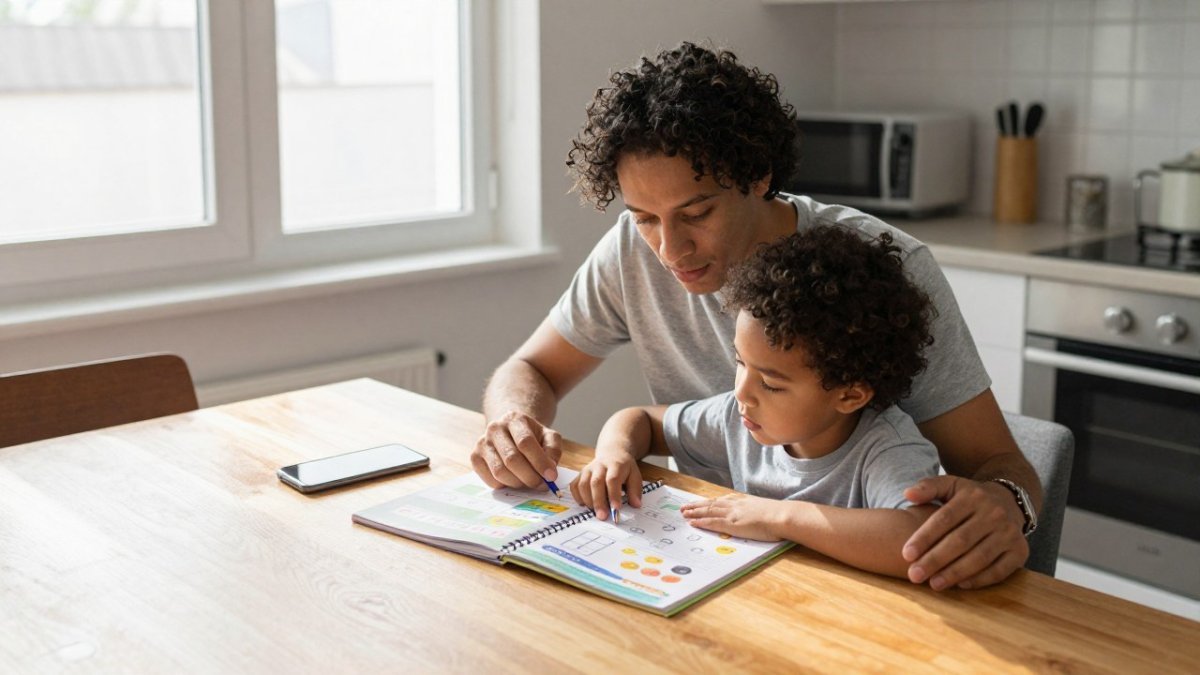
- Homework block: 20 to 30 minutes on a screen, with a parent nearby
- Free-time screens: 30 to 45 minutes, after homework is done
- Dinner and family time: no screens at the table
- Wind-down: screens off at least one hour before bed
A timer on the kitchen table helps younger children see when a block ends. Keep the homework block short.
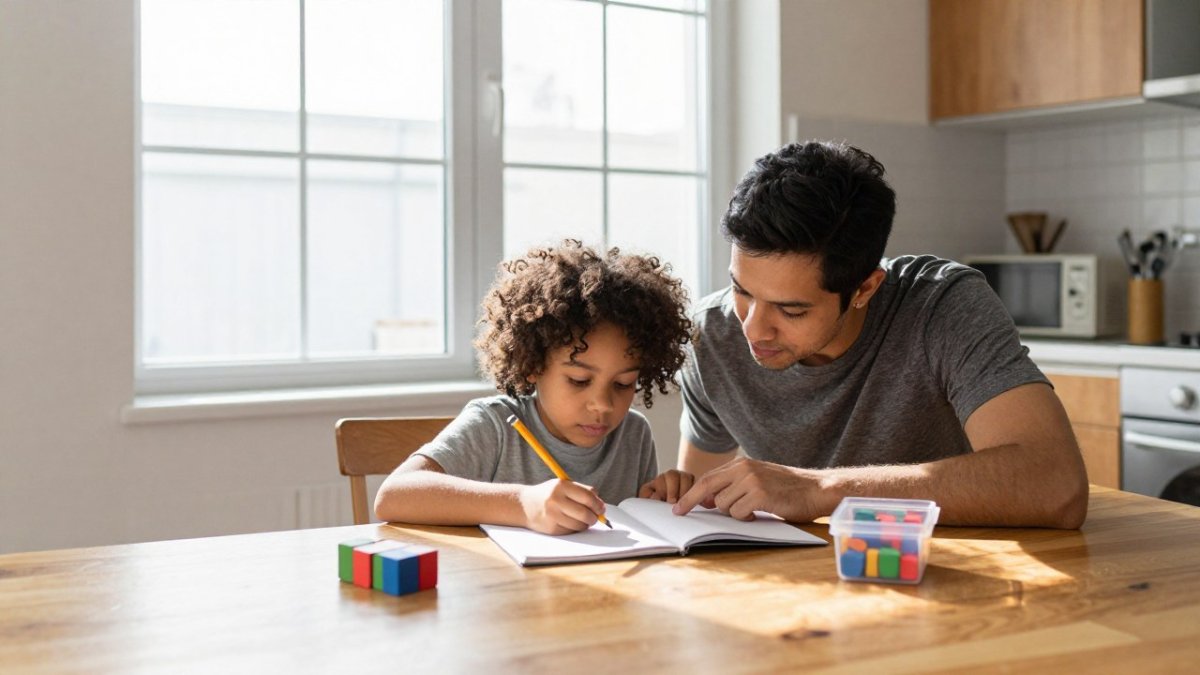
Productive homework time looks like a child explaining a step out loud, asking why a method works, or checking an answer against a worked example.
Using AI for Homework Help: A Step-by-Step Parent-Child Workflow
Here is a workflow that keeps the child thinking. For a hint-first way to check work without handing over answers, see how to check homework without doing it for them.
- Attempt first. Your child tries the problem on paper before opening the app.
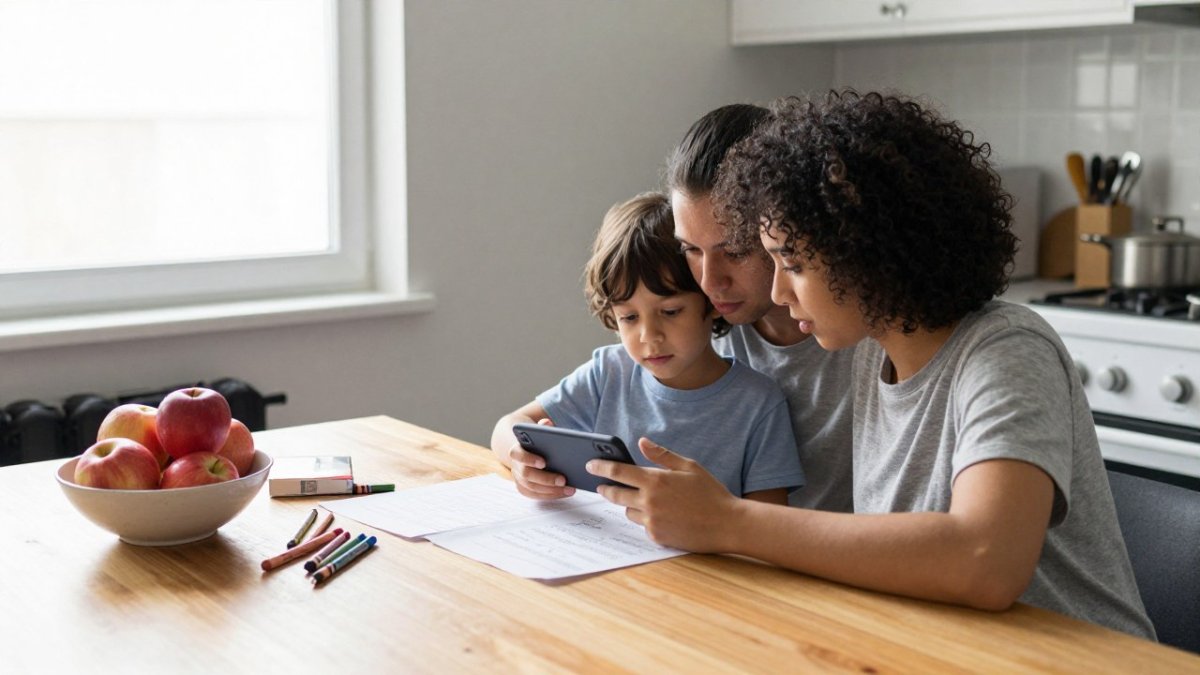
- Photograph the page. Take a clear photo of the assignment so the app can read it. For lighting and framing tips that help every answer read correctly, see take a homework photo the app can read.
- Read the hint. Ask your child to read the explanation aloud, or turn on text-to-speech.
- Explain it back. Your child describes the method in their own words.
- Try a similar problem. Solve one new question without the app.
- Check together. Compare the answers and talk through any mistake.
This order matters. The child does the thinking, and the app supports the thinking rather than replacing it. Many parents find that the explain-it-back step reveals gaps quickly.
Watch out: if your child only copies the app's answer and cannot explain the method, pause the tool and go back to a worked example on paper.
Screen-Time Limits for Elementary Students and How to Enforce Them
Most families set a screen limit once and then argue about it for months. For practical homework routines to pair with these rules, see help for homework night. A limit that never gets reviewed is just a number on the fridge. The stronger approach is to treat limits as a short experiment: set them, watch five outcomes for two weeks, then adjust.
Pick limits you can actually enforce
Start with limits that fit your household, not an ideal week. A workable baseline for many K-5 families looks like this:
- Entertainment screens: 30 to 60 minutes on school nights, up to 90 minutes on weekends
- Homework screen block: 20 to 30 minutes per subject, with a short offline break between blocks
- No entertainment screens until homework and one offline activity are done
- Devices charge in a common room overnight, not in bedrooms
- Screens off at least 60 minutes before bed
These are starting points, not rules handed down. Write them where everyone can see them, and say them out loud before the school week starts so the first request does not become a negotiation.
Track five outcomes, not just minutes
A limit is only working if the rest of the week is working. For two weeks, note five things each evening, a checkmark or a one-line note is enough:
- Sleep: Did your child get to bed on time and fall asleep without a screen?
- Mood: Was the after-homework period calm, or did screen time end in a meltdown?
- Homework completion: Was the assignment finished without a last-minute rush?
- Comprehension: Can your child explain one thing they learned or solved that day?
- Offline activity: Did they do at least one non-screen activity, outside time, reading, chores, a game?
If four or five are steady, keep the limits. If two or more slip for several days, change one variable at a time: shorten the entertainment block, move it later, or add a mandatory offline break before screens. Changing everything at once makes it impossible to know what helped.
Enforce the routine, not the mood
Consistency matters more than severity. A few mechanisms that reduce daily friction:
- Use a visible timer on the kitchen table so the end of a block is not a parent's decision in the moment.
- Praise the child for stopping on time, not only for finishing work. Stopping is the skill you are teaching.
- Keep the same limits on school nights and weekends, with small planned differences. Surprise changes feel unfair and invite pushback.
- If homework genuinely requires a device your child cannot access at home, talk with the teacher early rather than stretching the entertainment limit to cover it.
Watch out: if your child starts negotiating the limit every single day, the rule is probably too vague or too tight. Rewrite it once, clearly, and hold it for the full two weeks before changing it again.
Review at two weeks, then every month
At the end of two weeks, sit down with your child and look at the notes together. Ask two questions: what felt fair, and what felt hard? Then adjust one number and run the next two weeks. Monthly reviews are usually enough after that. The goal is not a perfect limit, it is a limit your family can live with and revise without a fight.
The article's recommended limits and the five outcomes to track can be summarised at a glance:
| Limit or check | Suggested value | Note |
|---|---|---|
| Entertainment screens, school nights | 30 to 60 minutes | Up to 90 minutes on weekends |
| Homework screen block | 20 to 30 minutes per subject | Short offline break between blocks |
| Screens off before bed | At least 60 minutes | Devices charge in a common room |
| Review period | Two weeks | Then review monthly |
| Outcome to track: sleep | Each evening | Note whether bedtime and screen-free sleep happened |
| Outcome to track: homework completion | Each evening | Note whether work was finished without rushing |
| Outcome to track: comprehension | Each evening | Child explains one thing learned or solved |
Your Next Step: Set a Two-Week Family Screen Plan
Start small. Write down your daily screen total, your homework block length, and one offline activity for each day. Run the plan for two weeks, then note what worked and what did not. Ask your child what felt fair.
If you want a homework helper that shows the method behind each answer, try K5 Homework Aid For Parents. Download Free and test it on one real assignment this week.
Frequently Asked Questions
How much screen time is appropriate for elementary school students?
There is no single universal number, so set a family limit that covers all screen use, including homework. Many families start with a total daily cap for leisure screens and then decide separately how much homework screen time is needed. Check your child's school guidance, because teachers often set expectations for homework tools. Review the limit every few weeks and adjust it if sleep, mood or attention start to suffer.
How can parents use AI homework helpers without encouraging kids to copy answers?
Ask your child to attempt the problem on paper first, then use the AI helper only to check a step or request a hint. Have them explain the method back to you in their own words. If the child can't explain the answer, the tool has done the thinking instead of the child. Keep the device in a shared space so you can see how it is being used, and talk with the teacher if you are unsure what counts as acceptable help.
How can I tell whether an AI homework helper is helping my child learn?
Look for signs of understanding rather than finished worksheets. A child who is learning can solve a similar problem without the tool, describe why a step works, and make fewer repeated mistakes over a week. Tools that give step-by-step explanations and hints are more useful than tools that only return final answers. If your child becomes frustrated or passive when the screen is off, the balance has tipped too far toward the device.