 blog
How to Choose Homework Apps for Elementary Students in 2026
Last Updated: November 7, 2026
Quick Summary
The best homework apps for elementary students explain the method rather than just giving the answer, so a child builds understanding instead of learning to copy. Evaluate them on method matching, grade detection, subject range, accessibility, privacy, and cost clarity. Start with a one-week trial on a single subject.
- A genuinely useful free tier covers roughly one to three assignments a night.
- The app detects grade level from a photo with no manual grade selection.
- Photograph worksheets flat, in even light, with the whole page in frame.
- Offline options focus on practice and review; photo scanning needs a connection.
- Short sessions of ten to fifteen minutes suit five-year-olds better than long ones.
Table of Contents
- What Parents Need From Homework Apps for Elementary Students in 2026
- How We Evaluated the Best Homework Apps for Elementary Students
- The Best Homework Apps for Elementary Students Free: What You Get Without Paying
- The Best Homework Apps for Elementary Students on iPhone and iPad
- The Best Learning Apps for Kids Free Offline
- The Best Educational Apps for 5 Year Olds: Kindergarten Readiness
- Grade-by-Grade Recommendations for K-5 Families
- How to Set Up Parent Supervision and Privacy Controls
- Start With One Subject and One Week
- Frequently Asked Questions
What Parents Need From Homework Apps for Elementary Students in 2026
The best homework apps for elementary students do one thing well: they explain the method, not just the answer. That single distinction separates a tool that builds understanding from one that quietly teaches a child to copy. Many working parents voice the same concern: "I don't know how the teacher wants this done anymore."
Homework has changed. Long division looks different. Reading assignments ask for inference, not recall. A parent helping a third grader is often relearning the material themselves. The right app bridges that gap by matching the method a teacher would use in class.
What parents actually need comes down to a few things: age-appropriate explanations, coverage across subjects, clear privacy practices, and transparent pricing. Below, we break down how to evaluate homework apps, what free tiers really include, and which tools suit which grade level.

How We Evaluated the Best Homework Apps for Elementary Students
The following criteria matter most to families evaluating homework apps.
The Criteria That Actually Matter
- Method matching: Does the app explain the way a teacher would, or does it just output an answer?
- Grade detection: Can it recognize a kindergarten worksheet versus a fifth grade one without manual setup?
- Subject range: Math alone is not enough. Reading, writing, and science assignments need support too.
- Accessibility: Text-to-speech and clear fonts matter for early readers and children with reading challenges.
- Privacy and supervision: What happens to photos of a child's work, and can a parent control the account?
- Cost clarity: Is the free tier genuinely usable, or a locked demo?
For a wider roundup to compare against these picks, see our guide to the best apps for elementary school homework.
The Best Homework Apps for Elementary Students Free: What You Get Without Paying
Free tiers vary wildly, and most parents discover the limits after downloading. A genuinely useful free option gives you enough scans or explanations to handle a normal week of homework, not a three-question sample. The deeper problem is that "free homework app" describes two different products: apps that teach a concept through practice, and tools that help a child record, organize, complete, and submit an actual school assignment. A free math-drill app and a free photo-explanation app are not substitutes, and comparing them on price alone tells you nothing.
Free Tiers Compared
| What to check | What good looks like | What to watch for |
|---|---|---|
| Daily scans or explanations | Enough for a typical homework night (roughly one to three assignments) | Hard caps below five per day |
| Subject coverage | Math, reading, and writing | Math-only tools |
| Grade support | Full K-5 range | Single grade band only |
| Ads | None during explanations | Ad interruptions mid-session |
| Data handling | Clear privacy statement | Vague or missing policy |
| Assignment workflow | Can save or share the worked explanation | Answer-only output with no record |
K5 Homework Aid For Parents offers a free plan. Check the app for current feature details before relying on it.
Watch out: a free tier that only unlocks answers, never explanations, teaches nothing. A second trap is a free tier that stores photos of your child's work indefinitely with no stated retention period; check the privacy policy before the first upload, not after.
For a wider comparison of free plans across study tools, see our guide to the best AI study apps for K-5 parents.
The Best Homework Apps for Elementary Students on iPhone and iPad
iPhone and iPad owners have an advantage here: the camera is good enough that photo-based apps read worksheets reliably. The best homework apps for elementary students on iPhone lean on that camera, turning a quick snapshot into a worked explanation.
K5 Homework Aid For Parents is an AI-powered mobile app. No setup or manual grade selection is required; the app detects the grade level from a photo of the assignment. Results can be saved, printed, or shared as a PDF.
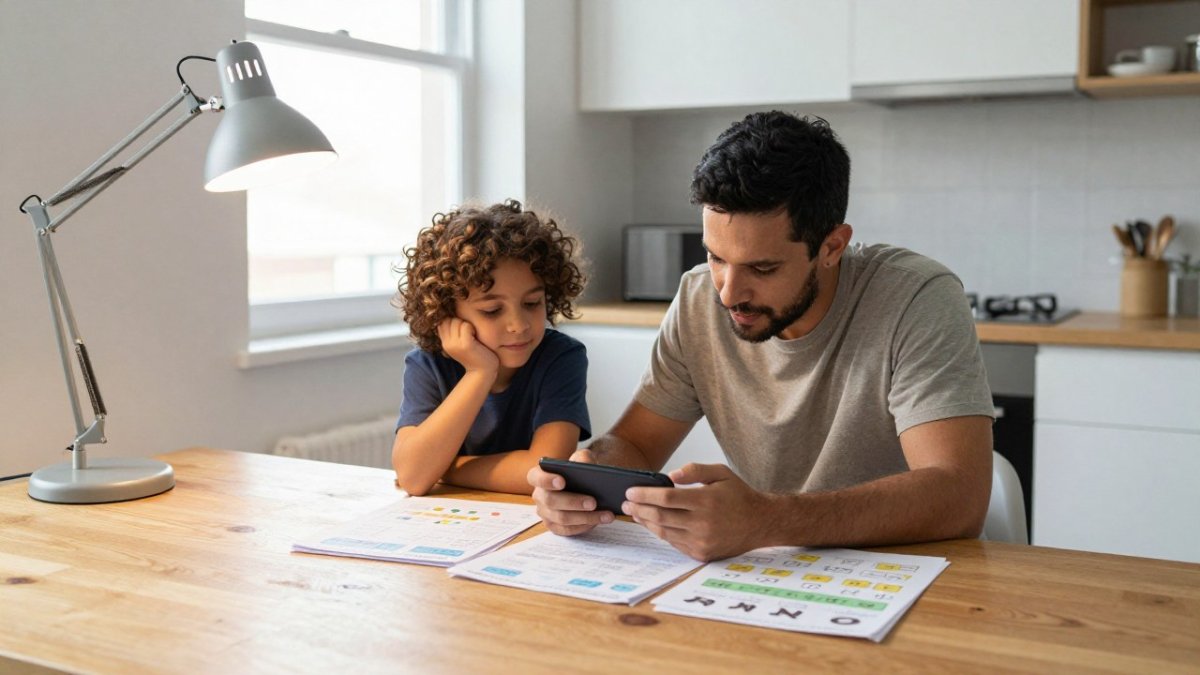
The practical tip most guides skip: photograph the worksheet flat, in even light, with the whole page in frame. Shadows across the middle of a page are the most common reason a scan fails.
For a step-by-step walkthrough, read how to take a homework photo the app can read.
The Best Learning Apps for Kids Free Offline
Offline access is the feature parents ask about after the first road trip or waiting room. A learning app that needs a live connection is useless in a car with no signal.
Free offline options tend to focus on practice and review rather than photo-based explanation, because explanation engines need a connection to process an image. The realistic split looks like this:
- Offline-friendly: flashcards, math drills, reading practice, and quizzes downloaded ahead of time
- Connection-dependent: photo scanning, step-by-step explanations, and text-to-speech on new material
The workaround is simple. Download practice content before you travel, and save explanations as PDFs while you still have signal. Results can be saved as a PDF, so a saved explanation can be reviewed without a connection.
The Best Educational Apps for 5 Year Olds: Kindergarten Readiness
Five-year-olds need something different from a nine-year-old, and most roundups flatten that difference by treating "elementary" as one audience. At this age, the goal is readiness: letter sounds, counting, shapes, and following simple instructions. An app that dumps text on a pre-reader will lose them in seconds. The useful distinction is between apps that build readiness skills and tools that help with the first actual homework assignments, which at kindergarten are usually short and parent-led. When readiness gaps call for more individual support than a parent-led app can provide, online tutoring platforms can help families consider how a tutor might reinforce early skills alongside short homework assignments.
Text-to-speech can be especially helpful for this age group, since a kindergarten worksheet is often read aloud by an adult. Look for short sessions, large clear visuals, and no ads between activities. For children with reading differences, spoken instructions can be a useful accommodation, so it is worth checking which settings carry over as a child moves up grades.
Screen time deserves a mention here. Short, focused sessions of ten to fifteen minutes work better for five-year-olds than long marathons, and most learning apps are built around that rhythm. A common pattern among practitioners is to pair a readiness app with a parent sitting alongside for the first few sessions, then step back once the child can navigate the routine alone.
Watch out: an app marketed for "ages 4-8" often means the content spans that range but the interface is designed for the middle, which can frustrate a five-year-old who cannot yet read the buttons. Test the interface yourself before handing it over.
For the next stage up, see the grade-by-grade recommendations below, which shift from readiness to independent work.
Grade-by-Grade Recommendations for K-5 Families
One app can serve a whole family, but the way you use it should shift by grade. Here is how we would assign it.
Kindergarten to Grade 2
Read-aloud support and simple explanations are often useful at this stage. A parent usually sits alongside at this stage, so the app's job is to explain the method in plain language the adult can relay. Text-to-speech carries most of the weight here.
Grades 3 to 5
Independence grows, and so does the risk of copying. At this level, the app should explain the steps and let the child finish the work. A hint-first routine helps: ask the child to explain the app's explanation back to you before they write anything down.
For a routine that builds confidence rather than handing over answers, read how to check homework without doing it for them.
How to Set Up Parent Supervision and Privacy Controls
Privacy is an important question for any homework app. Photos of a child's schoolwork are personal data, and parents should review how any app handles them.
A practical setup checklist for any homework app:
- Read the privacy policy before the first upload, not after
- Turn off any feature that shares results publicly by default
- Keep the account under the parent's login, not the child's
- Check whether scans are stored, and for how long
- Review the app's advertising policy for child accounts
- Confirm text-to-speech and accessibility settings are on if needed
Before you enable supervision settings, it helps to read whether AI homework help is safe for kids, which covers the questions to ask any provider.
Start With One Subject and One Week
The fastest way to know whether a homework app earns its place is a one-week trial on a single subject. Pick the subject that causes the most friction at home, use the app for that subject only, and watch whether your child can explain the method afterward. That test tells you more than any feature list.
If homework time in your house is stressful, K5 Homework Aid For Parents is designed to help. Snap a photo and the app detects the grade level automatically, then provides age-appropriate explanations. Text-to-speech is available, and results can be saved as a PDF you can print or share. Download K5 Homework Aid For Parents free and turn tonight's homework into twenty calm minutes.
Frequently Asked Questions
What is the difference between a homework helper and a student planner app?
A homework helper explains problems and concepts, while a student planner tracks assignments, due dates, and study schedules. Many families need both. For elementary students, a helper that shows step-by-step explanations builds understanding, and a simple planner or assignment reminder keeps the week organized. If you can only pick one, start with a helper for grades K-2 and add a planner once assignments get longer in grades 3-5.
How can parents use homework apps without children just copying answers?
Look for apps that show the method, not just the result. Ask your child to explain the steps back to you before writing anything down, and sit nearby during the first few sessions. Apps with age-appropriate explanations that mirror teacher methods make this easier because the child can follow the reasoning. Text-to-speech support also helps early readers work through problems instead of skipping to the answer.
Are there free homework apps for elementary students that are actually useful?
Yes, but free tiers vary widely. Some limit daily questions, some lock explanations behind a subscription, and others include ads. Check what the free option covers before your child relies on it for nightly homework. A free plan is available; check the app for what each plan includes. Always review the privacy settings on any free app first.
Will one app work for both a kindergartener and a fifth grader?
It can, if the app detects grade level automatically. K5 Homework Aid For Parents detects the grade level from a photo of the assignment, so no manual setup is needed. Test the app with each child separately before relying on it for both.