 blog
7 Photomath vs Socratic Facts for Elementary Math Parents
Last Updated: November 12, 2026
Quick Summary
The photomath vs socratic comparison comes down to how each app reads a problem: Photomath scans printed or handwritten equations and returns step-by-step solutions, while Socratic accepts a photo and returns explanations, videos, and web results across several subjects. Neither app is designed specifically for a K-5 worksheet mixing arithmetic, word problems, and handwriting.
- Photomath handles clean printed arithmetic well, but a child's messy pencil work often fails to scan.
- Socratic reads word problem sentences better, yet its explanations often assume algebra or come from general web sources.
- Look for grade-aware explanations, teacher-method matching, text-to-speech, and a hint-first flow in an elementary math app.
- A free solver app teaches only if it withholds the full answer until your child has tried the problem.
- Photograph only unfinished problems, have your child redo each step by hand, then say the method back.
Table of Contents
- Photomath vs Socratic for Elementary Math: The Core Difference
- Photomath Step-by-Step Explanations: Strengths and Limits for K-5
- Photomath vs Socratic for Elementary Math Worksheets
- Supported Topics and Grade Levels: Where Each App Stops
- What to Look For in the Best Math App for Elementary School Kids
- Is There a Free App to Solve Math Problems That Still Teaches?
- Privacy, Child Safety, and Parent-Guided Homework Routines
- Try K5 Homework Aid for Your Next Homework Session
- Frequently Asked Questions
Photomath vs Socratic for Elementary Math: The Core Difference
The core difference between Photomath and Socratic for elementary math comes down to how each app reads a problem. Photomath is built around a camera that scans printed or handwritten equations and returns a step-by-step solution (Photomath 101: Get Math with Photomath). Socratic is a broader study app that accepts a photo and returns explanations, videos, and web results across several subjects. Many parents who tried one or both still feel unsure whether their child actually understood the work. That uncertainty is the real problem, not the app choice.
Below, we break down where each tool helps a K-5 student and where it quietly gets in the way. The comparison matters because elementary math is where habits form. A child who learns to photograph a worksheet and copy an answer carries that habit into fractions, long division, and word problems.
How Photo-Based Problem Scanning Works in Each App
Both apps rely on image recognition, but they process a photo differently. Photomath leans on equation recognition: it isolates the math expression, solves it, and displays the working. Socratic sends the image into a wider search-and-explain system that pulls from multiple sources.
For a parent, the practical test is simple. Hold a phone over a worksheet page with five mixed problems and see what comes back.
- Photomath tends to handle clean, printed arithmetic and equations well. Handwriting is hit or miss, especially with a child's pencil work.
- Socratic can recognize a broader range of inputs, including diagrams and text-heavy questions, but its math explanations vary in depth.
A common mistake is judging either app on one perfect screenshot. Real worksheets are smudged, angled, and full of eraser marks. If you are fighting blurry photos, our guide on how to take a homework photo the app can read every time covers lighting, angle, and framing so scanning works on the first try.
Photomath Step-by-Step Explanations: Strengths and Limits for K-5
Photomath's step-by-step explanations are its strongest feature and its biggest risk for young learners. The app shows each stage of a solution, which is genuinely useful when a parent needs a refresher on a method. The limit is that the explanation is written for someone who already reads fluently and can follow abstract notation.
Consider a second grader working on subtraction with regrouping. Photomath will show the borrowing steps clearly. What it will not do is explain why regrouping works in language a seven-year-old follows, or connect it to the base-ten blocks their teacher used in class.
That gap is where parents get stuck. The math is correct, but the translation to kid-level language is missing. A parent who sees Photomath's limits often starts looking for Photomath alternatives for K-5 students built around how elementary children actually learn.
Photomath vs Socratic for Elementary Math Worksheets
Photomath vs Socratic for elementary math worksheets splits along one line: Photomath is the stronger equation solver, while Socratic is the better general explainer. Neither is designed specifically for a K-5 worksheet with a mix of arithmetic, a word problem, and a handwriting-heavy answer box. For a worksheet that mixes arithmetic, word problems, and handwriting, pairing a solver with broader learning support can make the next step clearer, and Dewey Does offers another way to think about educational apps for elementary learners.
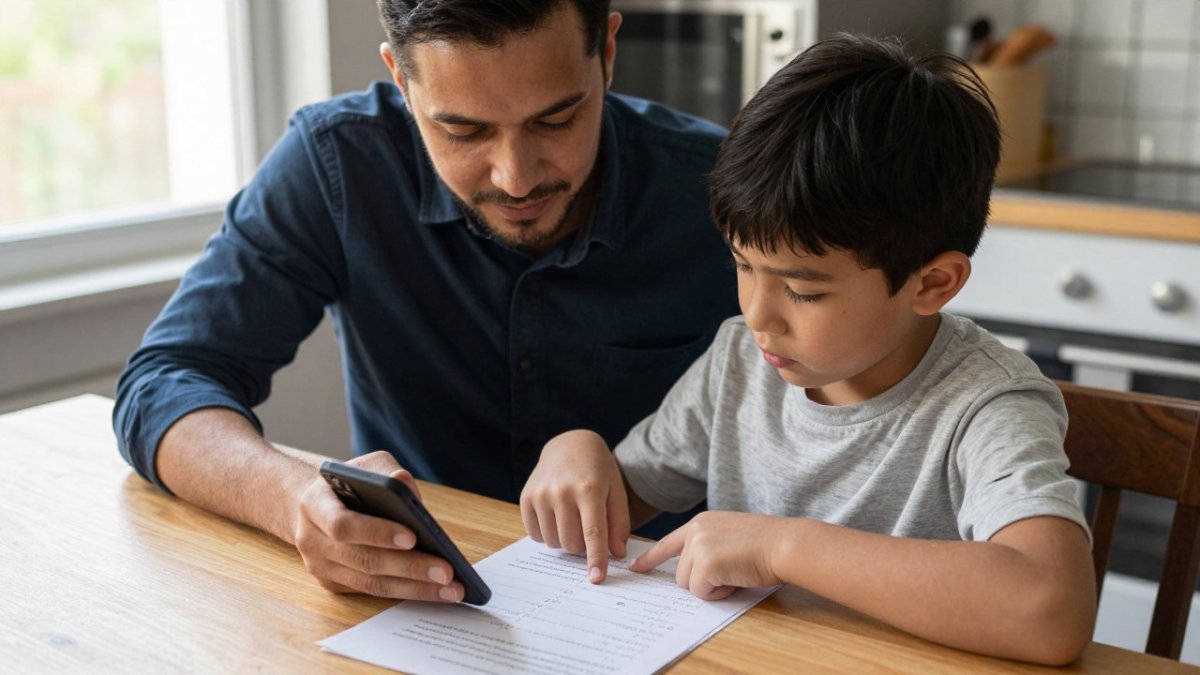
Here is how each app typically handles these task types:
| Worksheet Task | Photomath | Socratic |
|---|---|---|
| Printed addition and subtraction (e.g., 47 + 28) | Recognized instantly, showed column addition with carrying steps | Recognized, returned a brief explanation and a web result, but no step-by-step carrying visual |
| Multiplication and division facts (e.g., 6 × 7) | Solved and displayed the fact, sometimes with a repeated-addition hint | Solved, surfaced a video explanation, but the video was not grade-filtered |
| Fractions (e.g., 3/4 + 1/8) | Handled notation well, showed common-denominator steps | Mixed: sometimes returned a correct answer with a generic fraction explanation, sometimes pulled an unrelated web page |
| Word problems (e.g., 'Mia has 12 stickers and gives 5 away. How many left?') | Struggled to parse the sentence; often returned no equation or a wrong operation | Better at reading the sentence and surfacing context, but explanation quality varied and sometimes assumed algebra |
| Child's handwriting (large, uneven pencil numbers) | Inconsistent; clean printed numbers worked, messy pencil work often failed | Inconsistent; similar failure rate on messy handwriting |
| Grade-appropriate wording | Limited; steps used formal notation and terms like 'subtrahend' | Limited; explanations were often written for older students or pulled from general web sources |
Word Problems, Handwriting, and Answer Checking
Word problems expose the biggest weakness in both apps. A word problem is a reading task before it is a math task. Photomath focuses on the equation, so a child still has to decode the sentence to set the problem up.
Watch out: testing either app on a single clean printed problem gives a misleading impression. Use a real page from your child's homework, including handwritten answers, before judging whether the scanning works for your family.
Supported Topics and Grade Levels: Where Each App Stops
Parents often need more than a general answer about grade coverage, so here is a grade-by-grade view of where each tool tends to help and where it can stop being useful for an elementary learner.
For a parent, the useful question is not 'what does it cover' but 'where does it stop being useful for my child.' A parent whose child has outgrown one tool can compare options in our guide to the best Socratic alternative for parents.
What to Look For in the Best Math App for Elementary School Kids
A useful math app for elementary school kids explains the method in the child's own language and matches the way their teacher taught it. Features to weigh:
- Grade-aware explanations that adjust wording, not just difficulty
- Teacher-method matching so the app does not contradict classroom instruction
- Text-to-speech for early readers and children with reading challenges
- A hint-first flow that nudges rather than hands over the answer
- Parent visibility so you can see what your child actually did
Accuracy and readability matter more than topic count when choosing an app for a child.
Is There a Free App to Solve Math Problems That Still Teaches?
A free app to solve math problems can still teach, but only if it withholds the full answer until the child has tried. Free tiers usually give you the scan-and-solve loop, which is exactly the loop that encourages copying. The teaching happens in the explanation and the follow-up question, and that is where free versions tend to thin out.
A simple test is to photograph one problem your child got wrong. If the app's response is a finished answer with no prompt to try again, it is a solver rather than a tutor.
Privacy, Child Safety, and Parent-Guided Homework Routines
Privacy deserves more attention than it gets in most app comparisons. You are uploading images of your child's work, sometimes with a name written at the top. Before installing anything, check what the app stores, whether an account is required, and whether you can delete uploaded images. For a deeper look, our article on whether AI homework help is safe for kids walks through the key facts parents should verify.
A parent-guided routine reduces risk and improves learning at the same time:
- Child attempts the problem alone first.
- Parent photographs only the problems the child could not finish.
- App explains the method; child redoes the step by hand.
- Parent asks the child to say the method back in their own words.
- Results are saved or shared so the teacher sees the gap.
That routine keeps the app in a supporting role. It also gives you something to show the teacher when a method at home does not match the method at school.
Try K5 Homework Aid for Your Next Homework Session
K5 Homework Aid For Parents was built for exactly the gap this comparison exposes. Snap a photo of an assignment and the app detects the grade level automatically, with no manual setup, then returns explanations written to match the methods teachers use in class. Text-to-speech supports early readers and children with reading challenges, and you can save, print, or share results as a PDF for the teacher.
Pricing is listed on our website, and a free plan is available so you can test it on a real worksheet before committing. If you want a routine that builds understanding instead of handing over answers, start with our five-step, hint-first homework checking method.
The hard part of homework is not finding an answer. It is explaining the method in a way your child actually follows. K5 Homework Aid For Parents handles the photo, detects the grade, and gives an age-appropriate explanation you can talk through together, with text-to-speech for early readers and PDF sharing for teachers. Download K5 Homework Aid For Parents and turn the next homework session into a conversation instead of a standoff.
Frequently Asked Questions
Is Photomath or Socratic better for elementary math?
Each suits a different job. Each app suits a different kind of task, so it helps to compare them on the work your child actually brings home. For K-5 work, what matters most is whether the explanation matches the method the teacher uses, so test both on one real worksheet before deciding.
Can elementary students use Photomath to check worksheet answers?
Scanning apps can return a solution for a printed problem. The risk is that checking becomes copying. Sit with your child and ask them to explain the steps back to you before they write anything down. If the app's method differs from what the teacher taught, ask the teacher which approach to follow so your child is not learning two conflicting routines.
Are there free apps that solve math problems from a photo?
Many homework apps offer a free tier, but limits vary, so check what the free plan covers before relying on it nightly. Check what the free plan actually covers before relying on it nightly, and look at whether explanations are written at a level your child can read alone.
How can parents use math apps without children just copying answers?
Set one rule: the app explains, the child writes. Have your child read the steps aloud, close the screen, and redo the problem on paper. For word problems, ask them to describe what the question is asking before scanning anything. A short routine like this keeps the app in a tutoring role rather than an answer key, and it gives you a quick way to spot which step your child does not understand.